With Defender Control, you can completely turn off Windows Defender in Windows 10 with just one click of the mouse.
How to use Defender Control
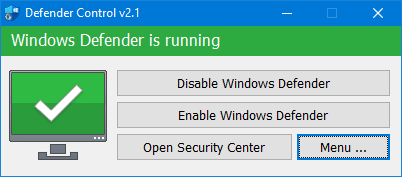
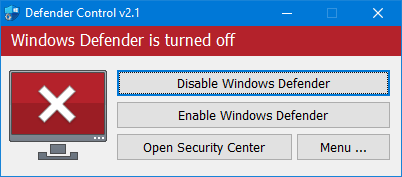
When you run the program after downloading Defender control and extracting it, you can see the status of Defender on the software interface.
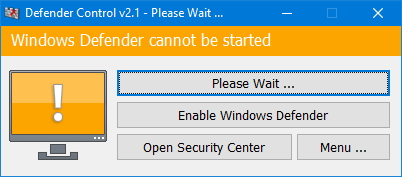
Sometimes, the program needs to wait between 3 and 5 seconds to turn on or turn off the window saver. During this time, you may see the Orange interface.